
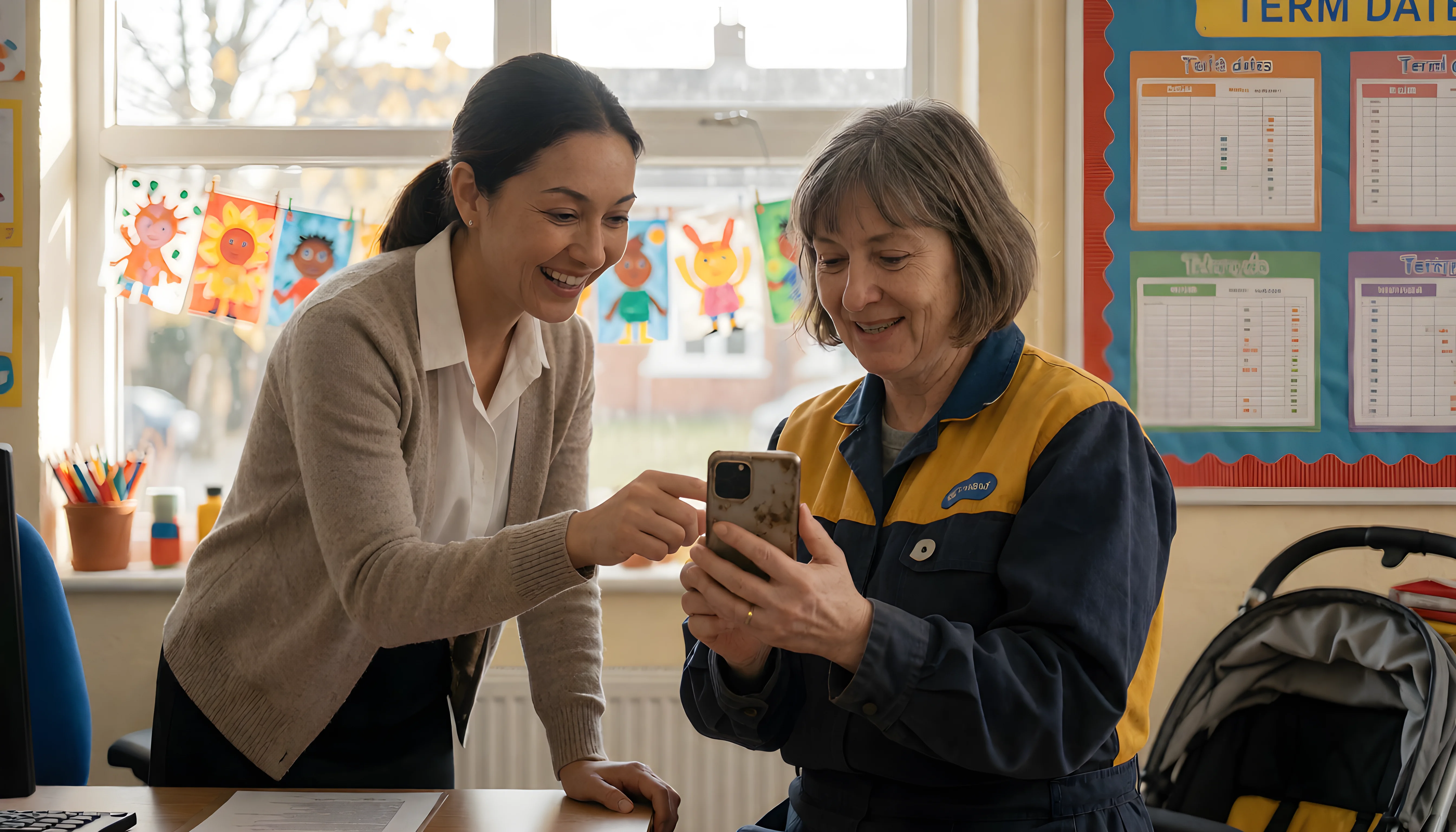
The Digital Divide: Ensuring All Parents Can Access School Tech
Every school that has moved its communication online has had the same quiet realisation at some point. The app goes live, the parent sign-up rate climbs to 80%, everyone celebrates — and then someone asks the uncomfortable question. Who are the other 20%?
In most schools, that remaining group is not random. It tends to include the families who were already hardest to reach: parents working multiple shifts, families with English as an additional language, grandparents acting as primary carers, households where one phone is shared between four people, and parents whose own experience of school left them reluctant to engage at all. The digital divide does not create inequality in parent engagement. It quietly amplifies the inequality that was already there.
The digital divide is not what most of us picture
When school leaders discuss digital exclusion, the mental image is usually a family with no technology at all. In reality, that is rare. Smartphone ownership across UK households is close to universal. The barriers are subtler, and because they are subtler they are easier to miss.
Data poverty is the big one. A parent on a pay-as-you-go tariff with a few hundred megabytes left for the month will not open a 12MB video of their child painting, however lovely it is. Device sharing is another: if mum, dad and two teenagers share one handset, nobody is checking school notifications at 8am. Then there is digital confidence, which has almost nothing to do with age. Plenty of parents can navigate social media fluently but freeze when asked to reset a password or verify an email address.
And finally there is trust. Some families genuinely do not want the school to have a direct line to their pocket, particularly if previous contact from school has mostly been about attendance, behaviour or unpaid dinner money.
Data cost — are your messages and media lightweight enough to open on a limited tariff?
Device access — how many of your families share a single device between several adults?
Confidence — can a parent complete sign-up without needing to phone the office?
Language — is your communication readable for parents with English as an additional language?
Start with evidence, not assumptions
The single most useful thing a school can do is stop guessing. Most school admin software will tell you exactly who has activated an account, who has notifications switched on, and who last opened a message. That data is gold, and it is routinely ignored.
Run a simple access audit once a term. Pull a list of families who have never logged in, then cross-reference it against your own knowledge of the cohort. Patterns appear almost immediately. Sometimes it is a specific class where the initial invitation never went out properly. Sometimes it is a cluster of families who share a language. Sometimes it is one year group where the welcome message went to a work email nobody checks.
Once you can name the twelve families who are not connected, the problem stops being an abstract equity concern and becomes a to-do list. Twelve phone calls is an afternoon's work for an office team. Twenty per cent of the school is a crisis nobody has time to solve.
Digital inclusion is not a technology project. It is a relationship project that happens to involve technology.
Design communication for the hardest case
Good school communication tools should work on a four-year-old Android handset, on 3G, in a corridor, in thirty seconds. If your approach only works for a parent with an iPhone, unlimited data and a quiet kitchen table, it is not a communication strategy — it is a communication strategy for the already-engaged.
In practice this means a few disciplines. Keep the critical information in the text, not inside an attached PDF; a parent on limited data can read a message but may not download a document. Put the most important sentence first, because many parents only see the notification preview. Use push notifications for genuinely time-sensitive things and resist the urge to use them for everything, because notification fatigue leads to parents turning them off entirely — and a parent with notifications disabled is functionally offline.
Automatic message translation matters enormously here. A parent who has to copy and paste a newsletter into a translation tool will do it once or twice, then stop. A parent whose app simply shows the message in their own language stays engaged for years. Multi-language support is often treated as a nice-to-have for EAL families; in many urban primaries it is the difference between inclusion and exclusion.
Keep the bridge open
Going fully digital on day one is a mistake, but so is keeping paper forever. The sensible middle ground is a deliberate bridge period with a clear end date, during which you maintain a small number of parallel routes — a printed copy on request, a noticeboard version of key dates, and an office team empowered to read a message aloud over the phone.
Crucially, make the bridge an onboarding tool rather than a permanent alternative. Every time a parent phones the office for information that sits in the app, that is a coaching opportunity. Five minutes spent walking someone through notification settings saves that family and your office team a year of friction.
We fixed it in a morning and our engagement went from 83% to 97% in three weeks.
Deputy Head, two-form entry primary school
Inclusion also reduces teacher workload
There is a pragmatic argument here as well as a moral one. Partial adoption is the most expensive possible outcome. If 85% of families are on the platform and 15% are not, staff run two systems simultaneously: digital messaging for most, plus printed letters, phone calls and chasing for the rest. Teachers end up duplicating everything, which defeats the entire purpose of edtech 2025 investment in the first place.
Full adoption is what actually delivers the promised reduction in teacher workload. One register, one set of absence reports, one parents' evening booking system, one place where homework and observations live. Every family you bring across makes the system cheaper to run, not more expensive.
Measure engagement, not sign-ups
Finally, change what you report to governors. Account activation is a vanity metric. A parent can have an account and never open it. More useful questions are: what proportion of families opened the last three announcements? How many have booked their own parents' evening slot rather than needing the office to do it? Which classes have the lowest observation views, and does that correlate with anything we can act on?
Those numbers tell you whether parent engagement is real or merely administrative. They also give you something specific to improve each term, which is far more motivating for staff than a vague ambition to communicate better.
The bottom line
The schools that close the digital divide are rarely the ones with the biggest budgets. They are the ones that treat access as an ongoing safeguarding-adjacent responsibility rather than a launch task — reviewing it termly, naming the families who are missing, and designing their communication for the parent with the oldest phone and the least confidence rather than the most.
Get that right and digital tools do exactly what they promise: they reach more families than paper ever did, not fewer.
Comments